Acoustic Trails: 鶴見川中流C3

OTOMONO
ミズキーホール
2026.01.12
Introduction
Acoustic ecology, sometimes called ecoacoustics or soundscape ecology, is a discipline that studies, through sound, the relationship between humans and their environment.
A soundscape refers to the auditory environment as experienced by humans. The acoustic environment encompasses all the sound sources, both natural and man-made, present in a specific area as altered by the environment.
Soundscapes may include anthropophony, geophony and biophony of a particular environment.
Anthropophony: all sound produced by humans, whether coherent (e.g., music, language, etc.) or incoherent (e.g., random signals generated primarily by electromechanical means).
Geophony: the naturally occurring non-biological sounds coming from different types of habitats, whether marine or terrestrial (e.g., water, wind, thunder, volcano eruptions, etc.).
Biophony: the collective acoustic signatures generated by all sound-producing organisms in a given habitat at a given moment, including vocalizations for communication in some cases.
Bioacoustics is a cross-disciplinary science that combines biology and acoustics. Usually it refers to the investigation of sound production, dispersion and reception in animals (including humans).
Topics
Field Recording
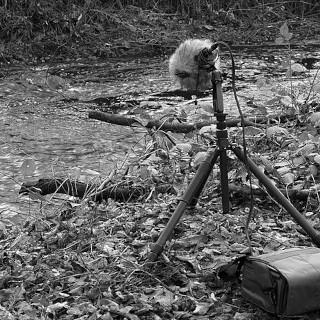
Field recording is the production of audio recordings outdoors, and the term applies to recordings of both natural and human-produced sounds. Field recording of natural sounds, also called phonography (a term chosen because of the similarity of the practice to photography), was originally developed as a documentary adjunct to research work in the field, and Foley work for film.
Sound Walk
A sound walk is a listening exercise where participants move through an environment, focusing on the sounds around them and their acoustic experience of the space. Sound walks encourage the participants to listen discriminatively, and to make critical judgments about the sounds heard and their contribution to the balance or imbalance of the sonic environment.

Shinrin-yoku (森林浴: 森林 shinrin, "forest" + 浴 yoku, "bath, bathing") is a Japanese practice that can relate to sound walks. Practicing shinrin-yoku involves spending time in a forest or natural atmosphere, focusing on sensory engagement to connect with nature.
Sound Map
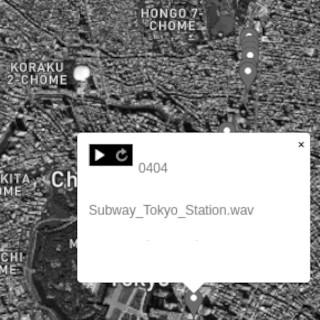
A sound map links audio recordings to specific geographic locations, helping users develop a more nuanced understanding of the acoustic properties and sonic identities of different places. Sound maps can serve as digital archives, preserving the sonic heritage of communities and environments, which can be particularly valuable for documenting endangered or rapidly changing soundscapes.
Preparation
Application
OsmAnd is an open-source map and navigation app for Android and iOS, alternative to Google Maps. It uses the OpenStreetMap (OSM) map database for its primary displays, but is an independent app not endorsed by the OpenStreetMap Foundation. It is available in both free and paid versions;

Installation
Use the appropriate app store for your device to install the free version of OsmAnd



Map
OsmAnd can be used offline once maps of interest have been downloaded on the device. If Location is enabled in the smart phone's settings, OsmAnd will automatically detect the current location and prompt the user to download the map for that region. Accept and proceed. Please note that the free version only allows to download 7 maps.
Settings
Adjust privacy options such as analytics and identifiers in the settings
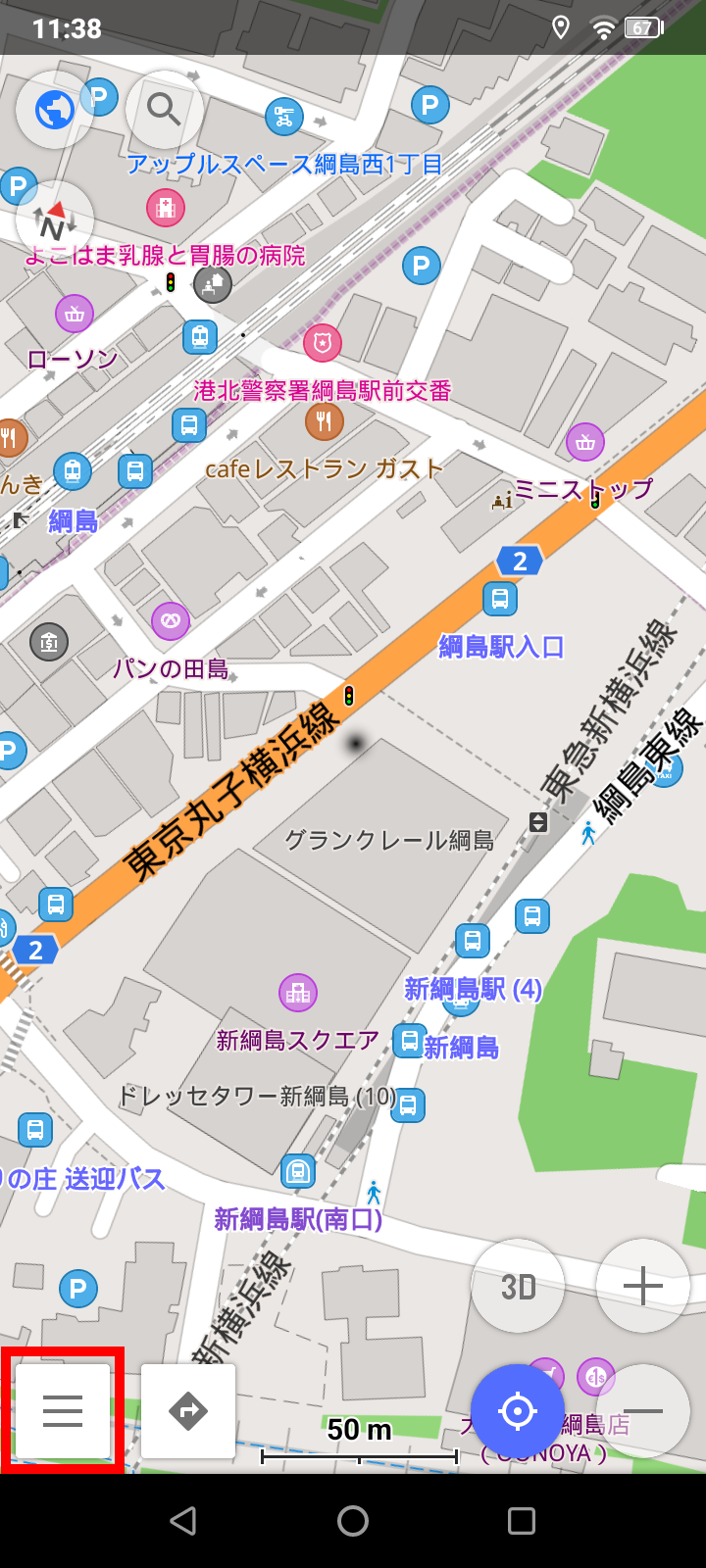
1. Click on the app's menu
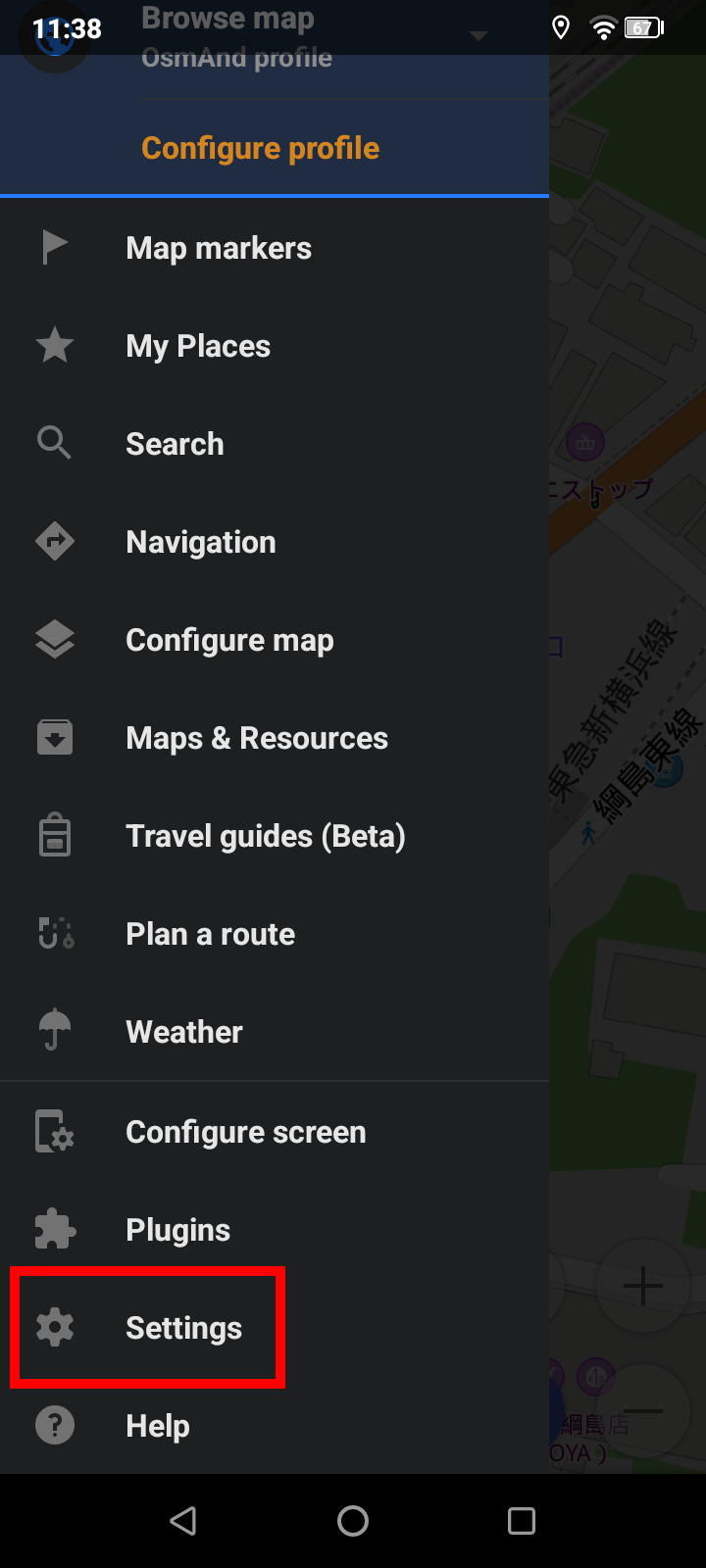
2. Click on Settings
3. Click on OsmAnd settings
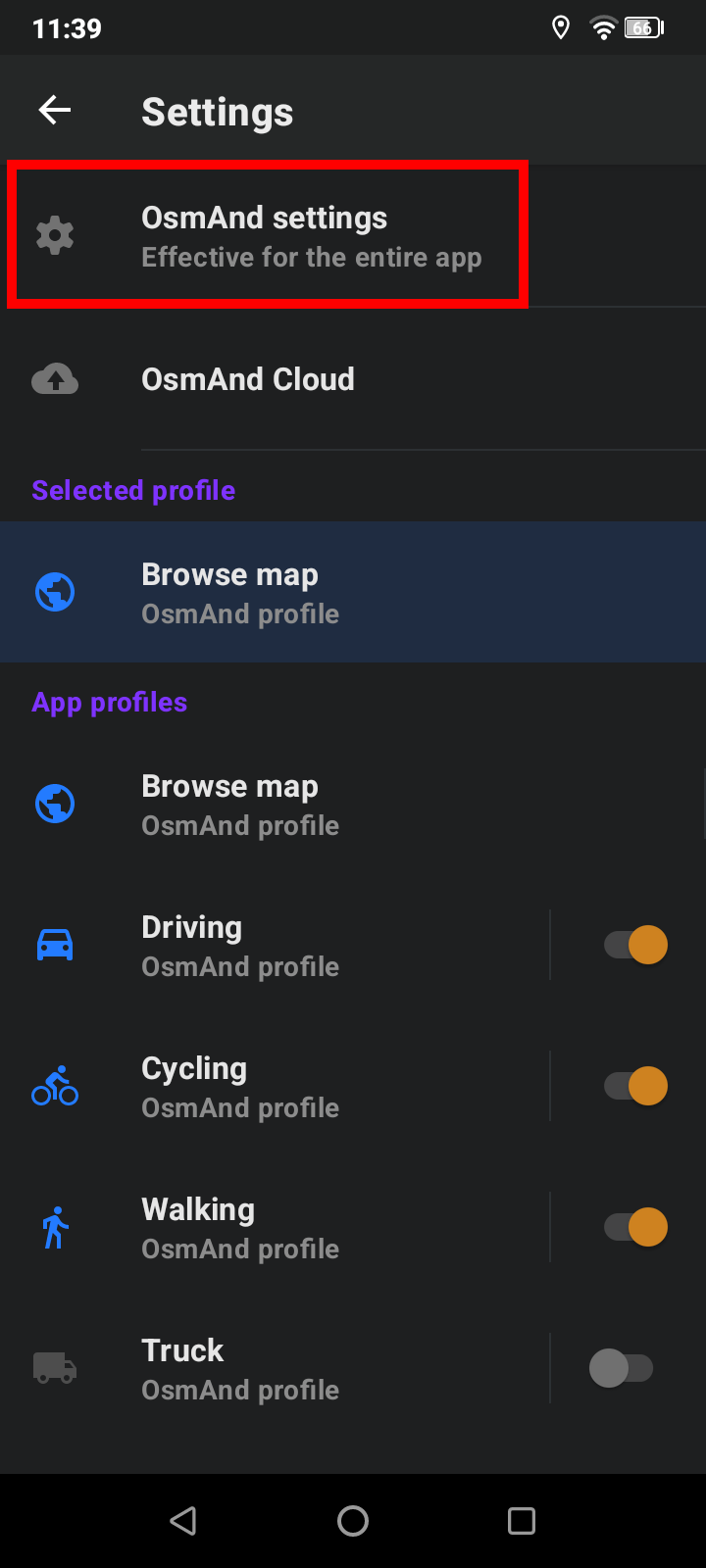
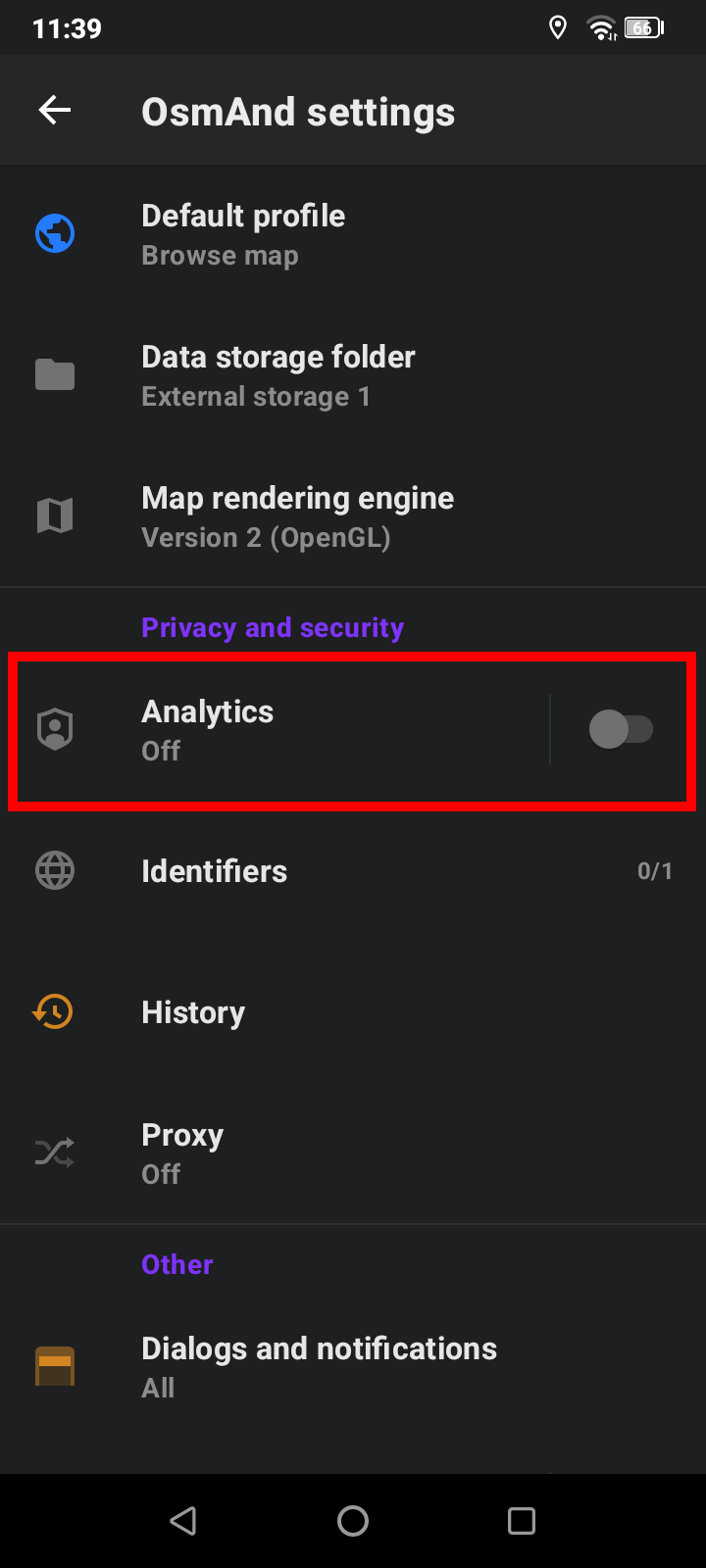
4. In Privacy and security disable Analytics
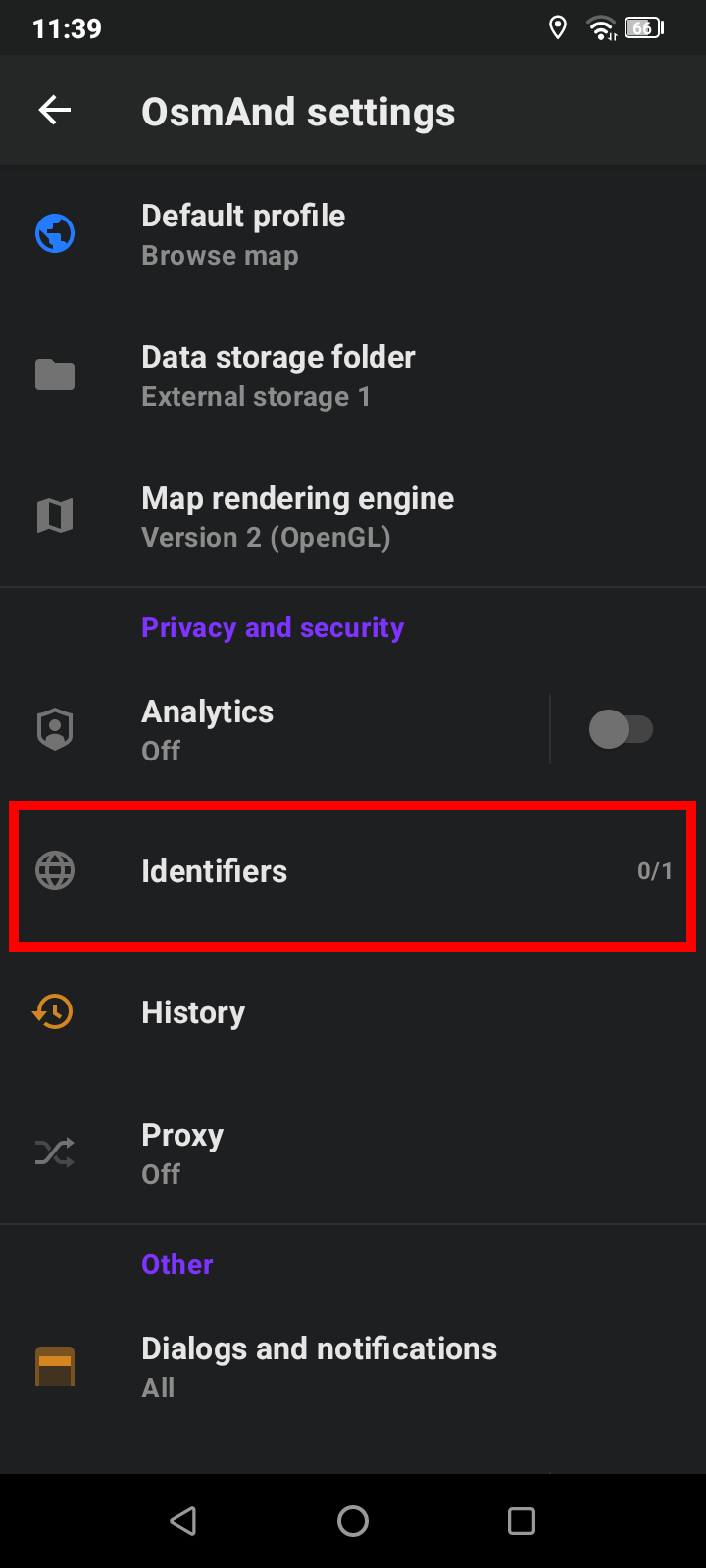
5. In Privacy and security click on Identifiers
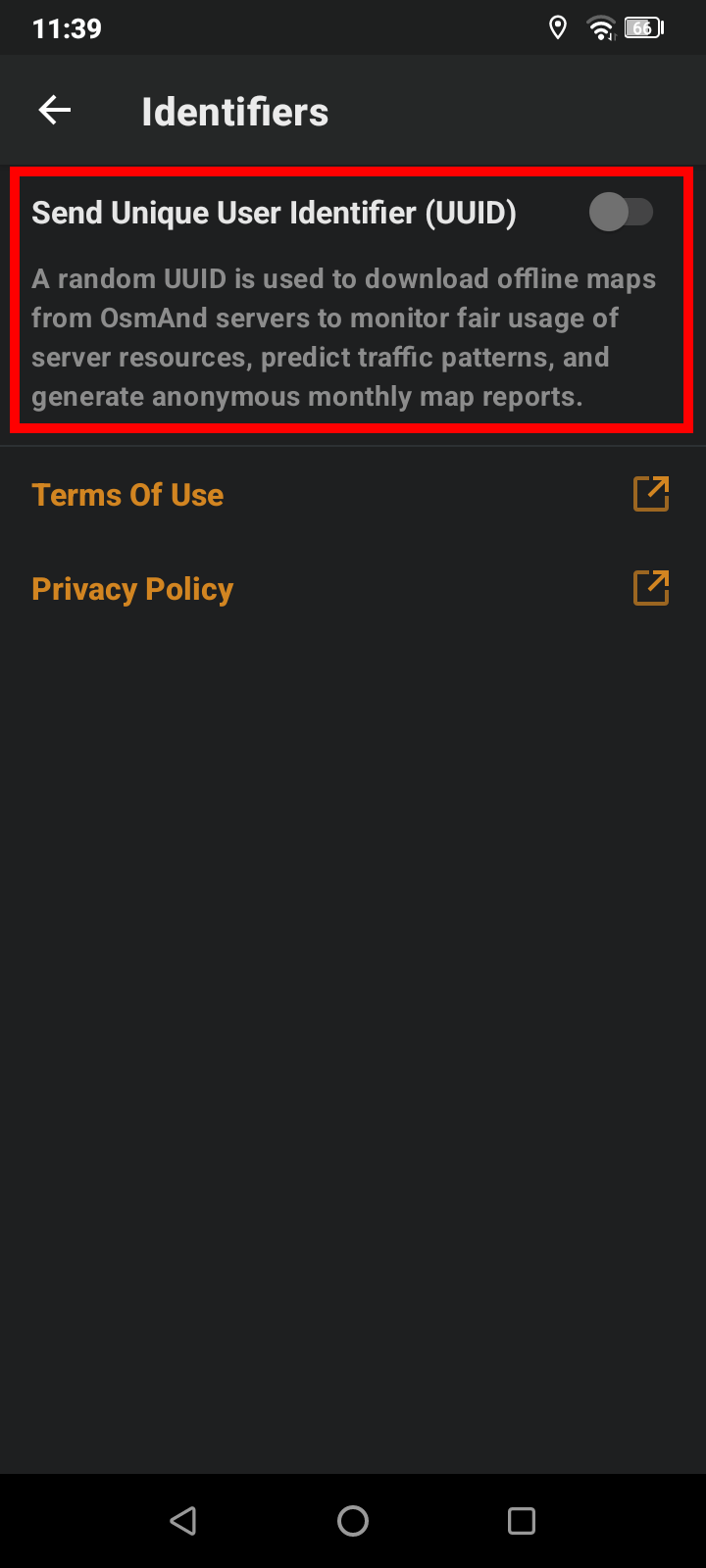
6. Disable Send Unique User Identifier (UUID)
Itinerary
Use points of interest (POI) selected in advance to outline an itinerary along the track
Download the POI file

1. Click on the app's menu
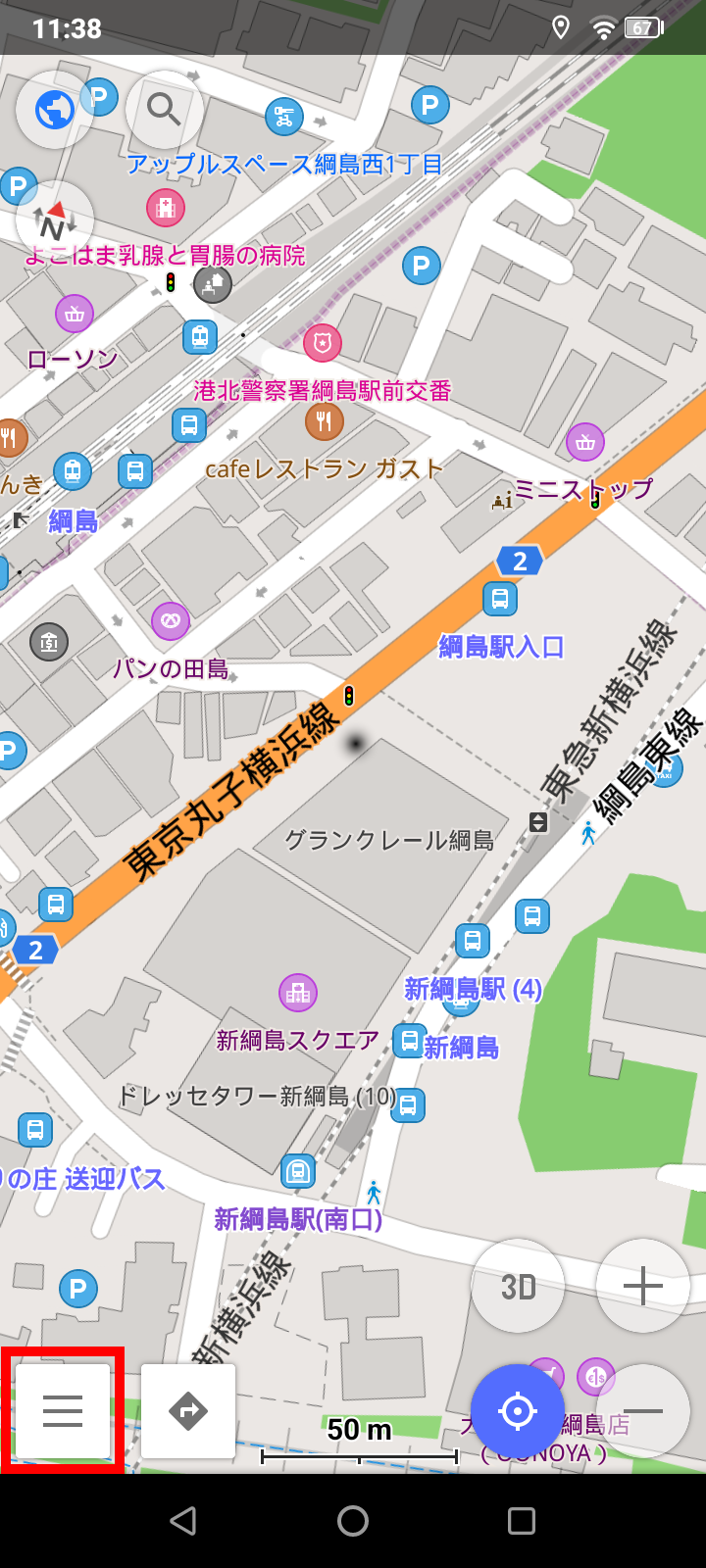
2. Click on My Places
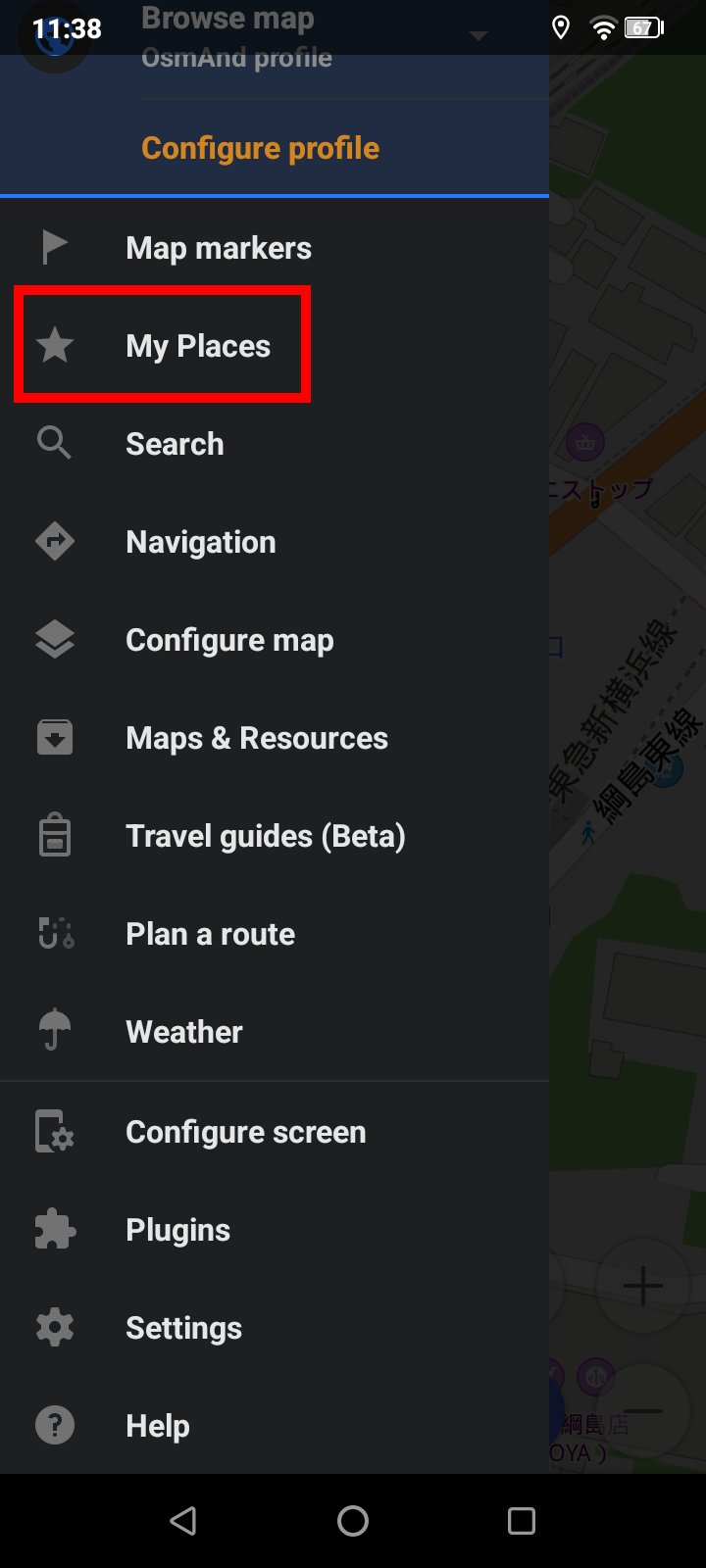
3. Select the TRACKS tab
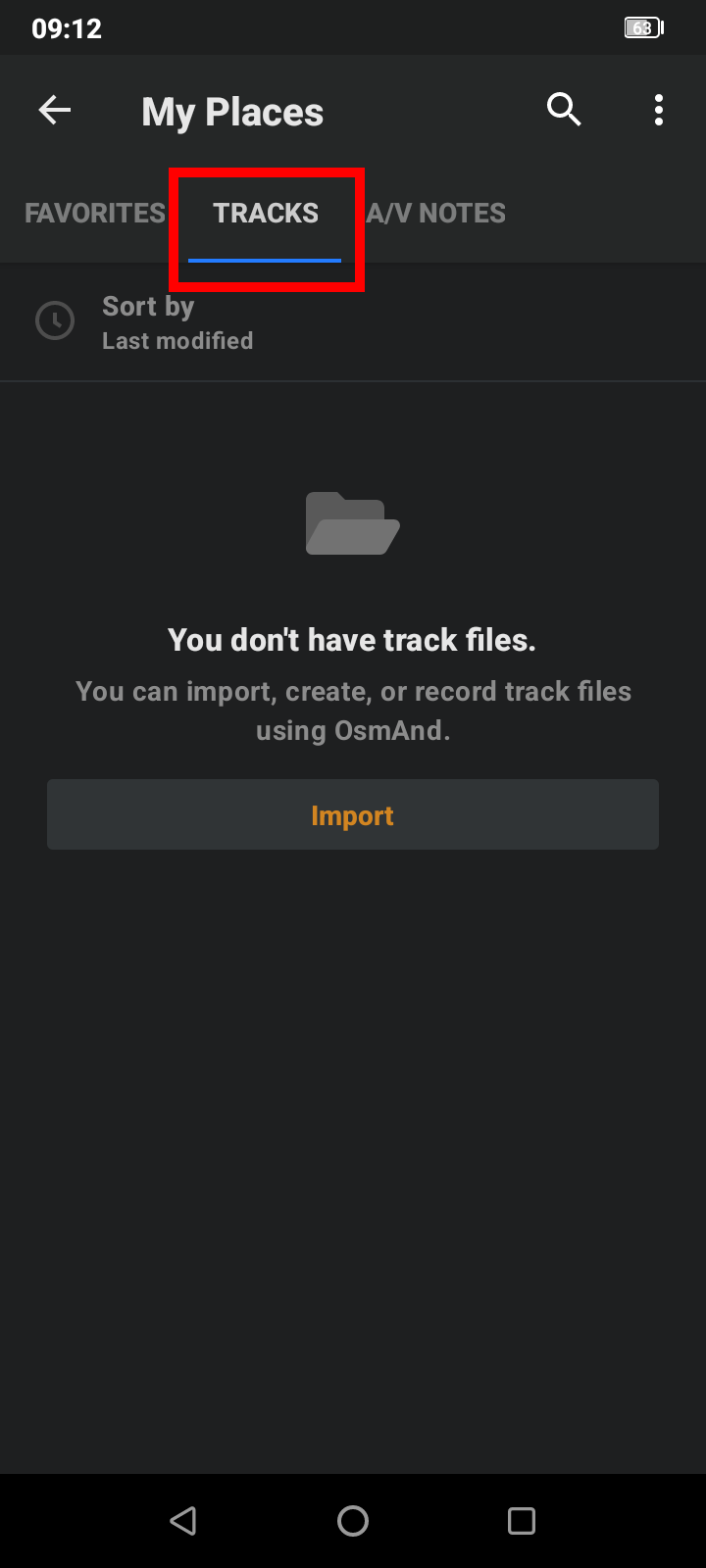
4. Click the Import button
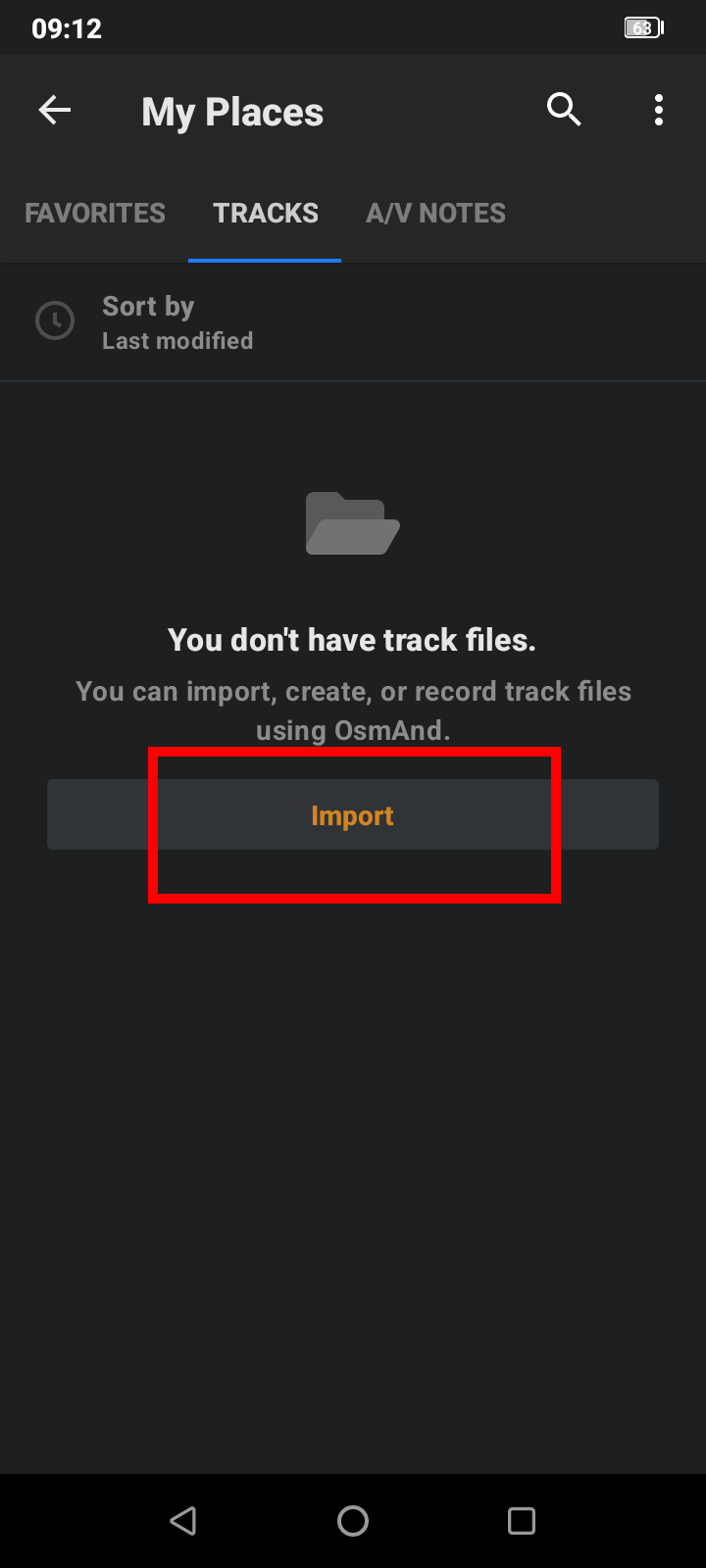
5. Select the gpx file already downloaded
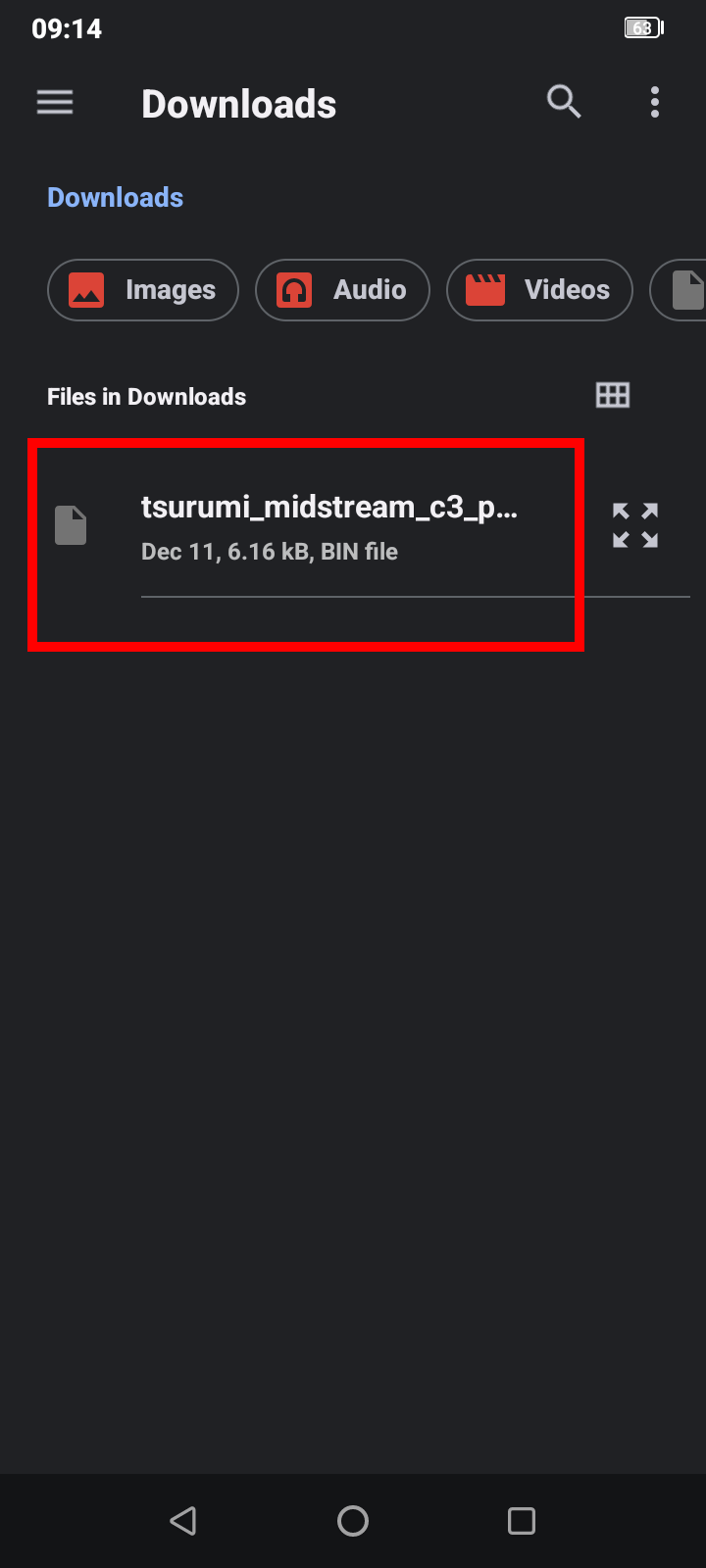
Record
Record an audio note for a point of interest
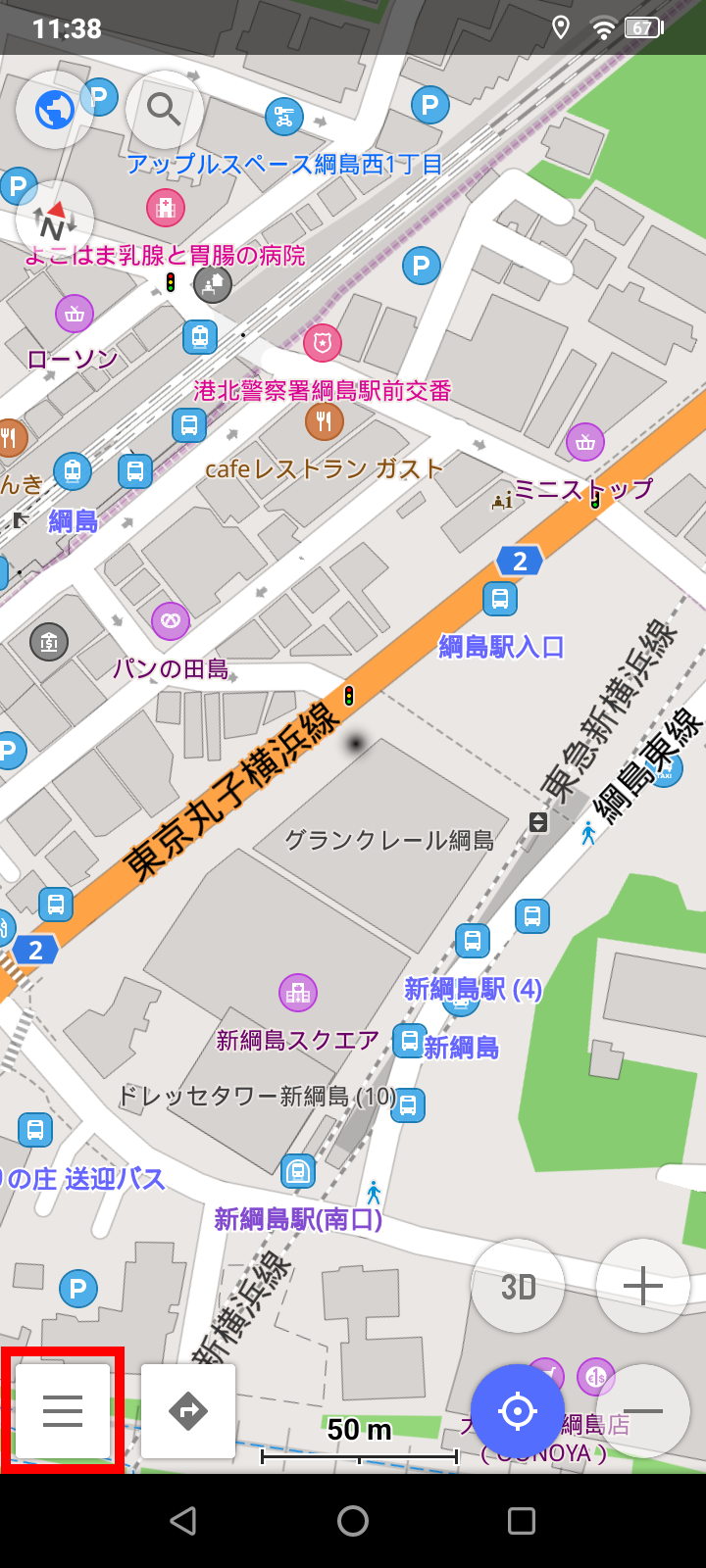
1. Click on the app's menu
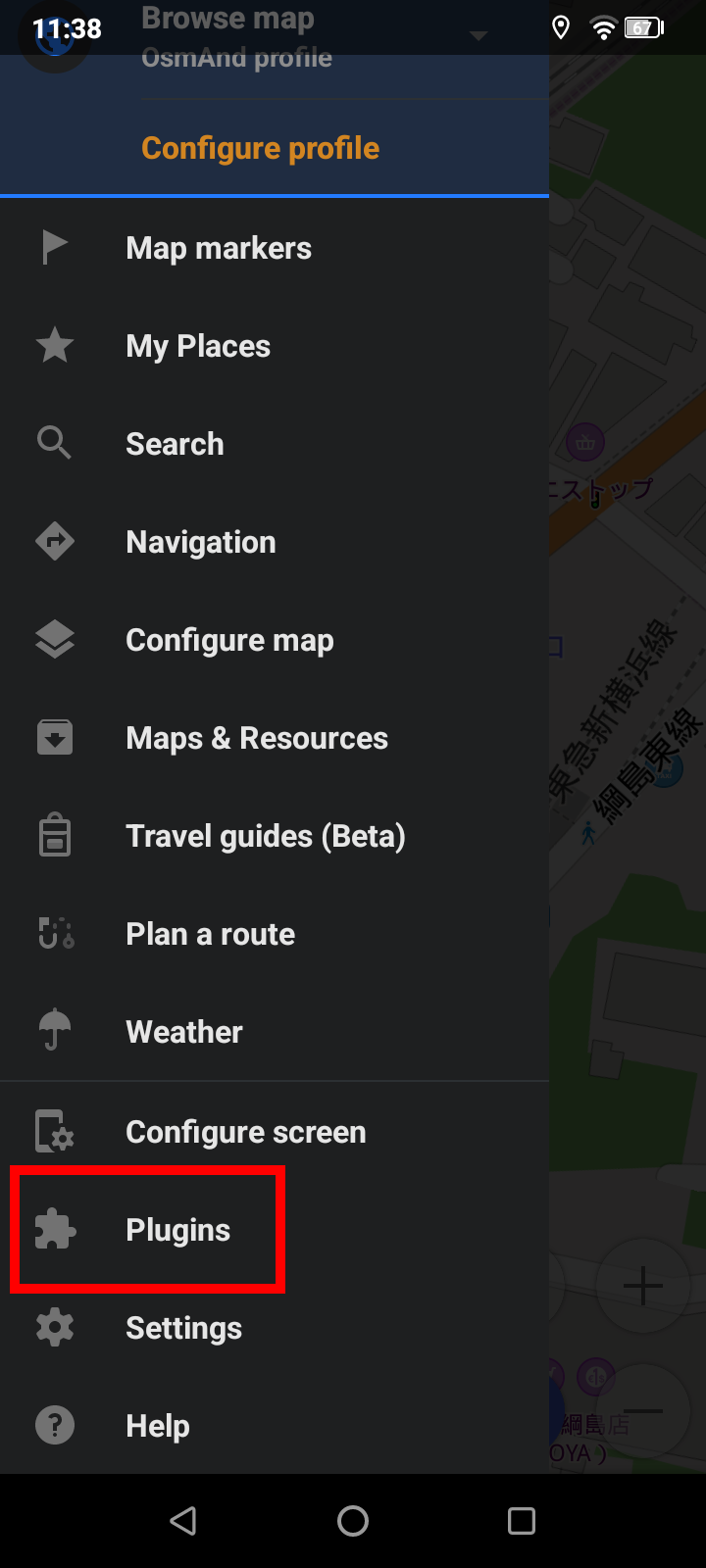
2. Click on Plugins
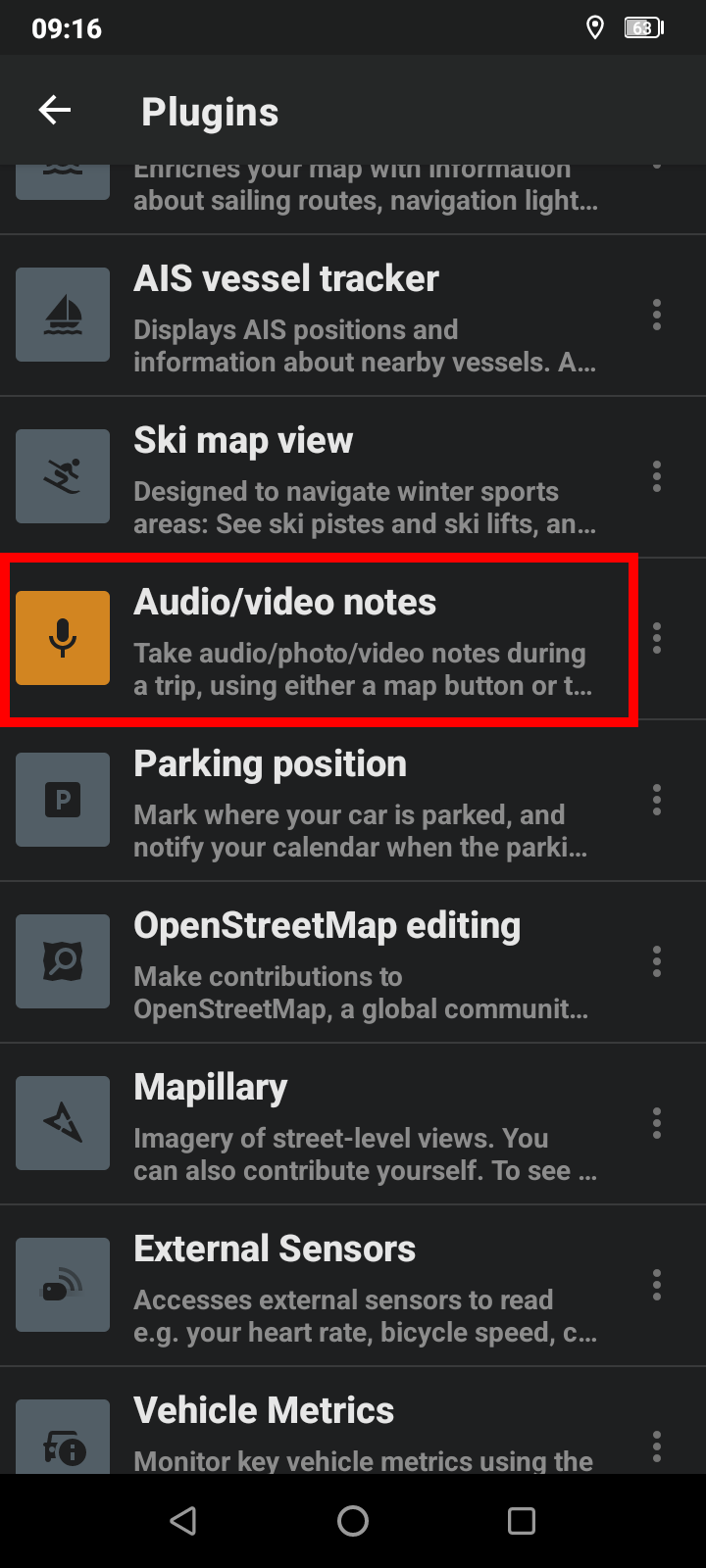
3. Enable the Audio/video notes plugin
4. Tap on a waypoint on the map
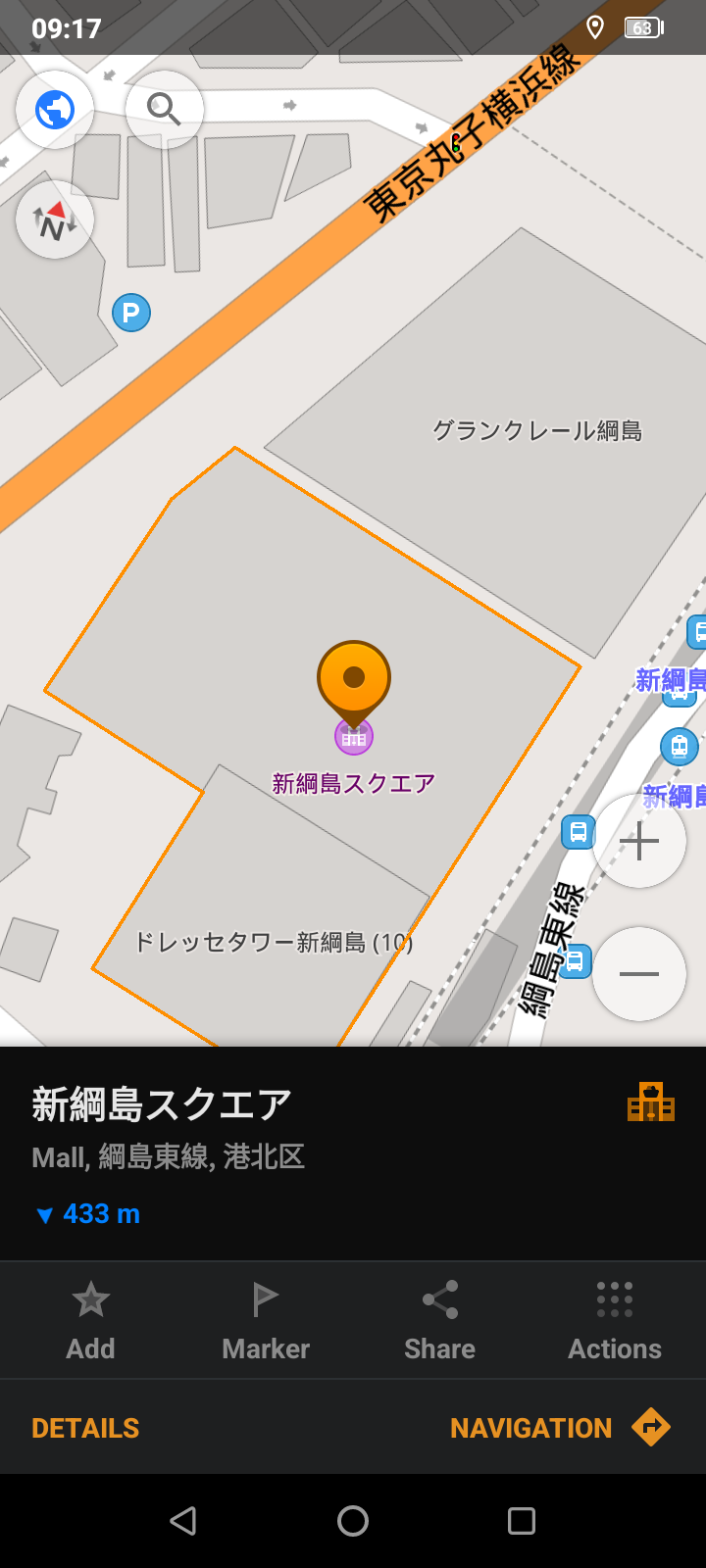
5. Click on Actions
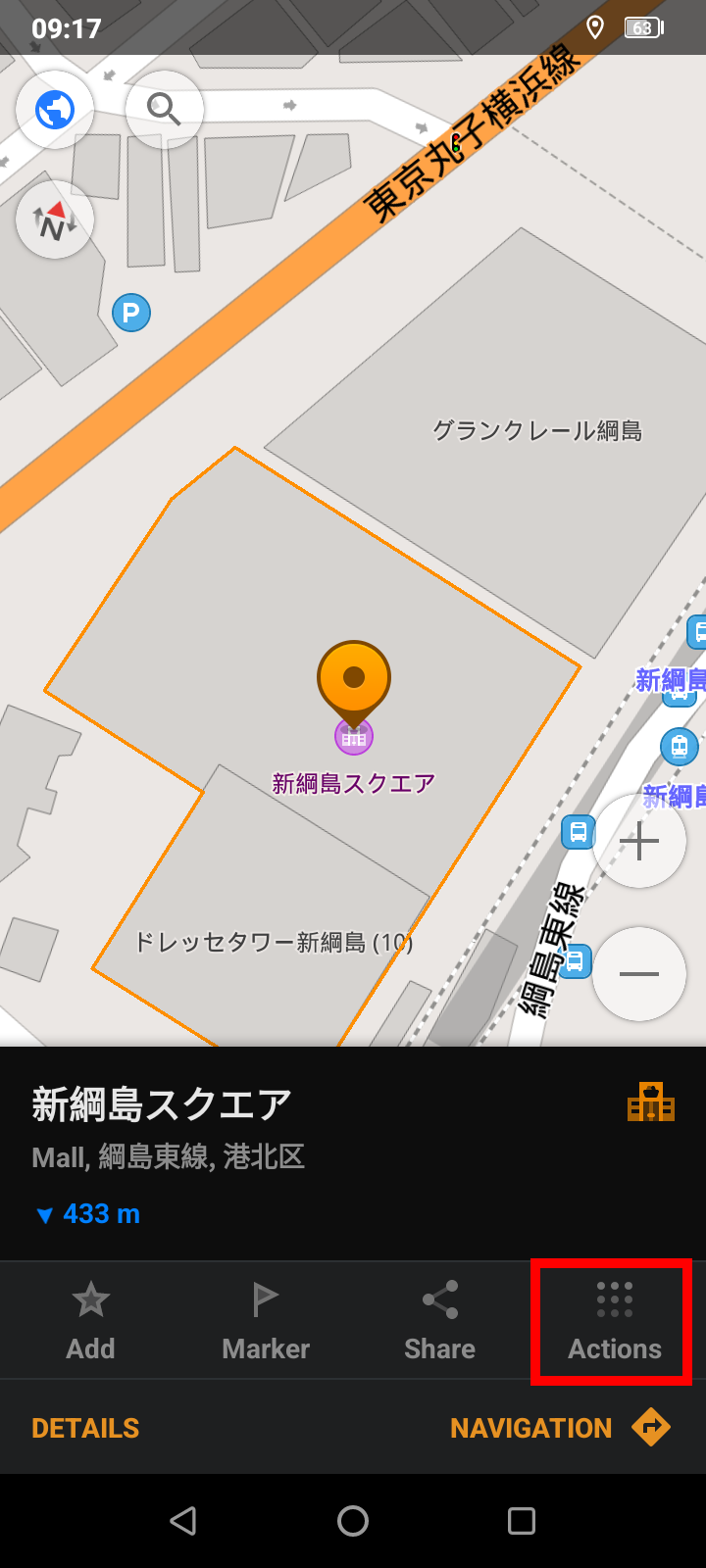
6. Click on Take an audio note
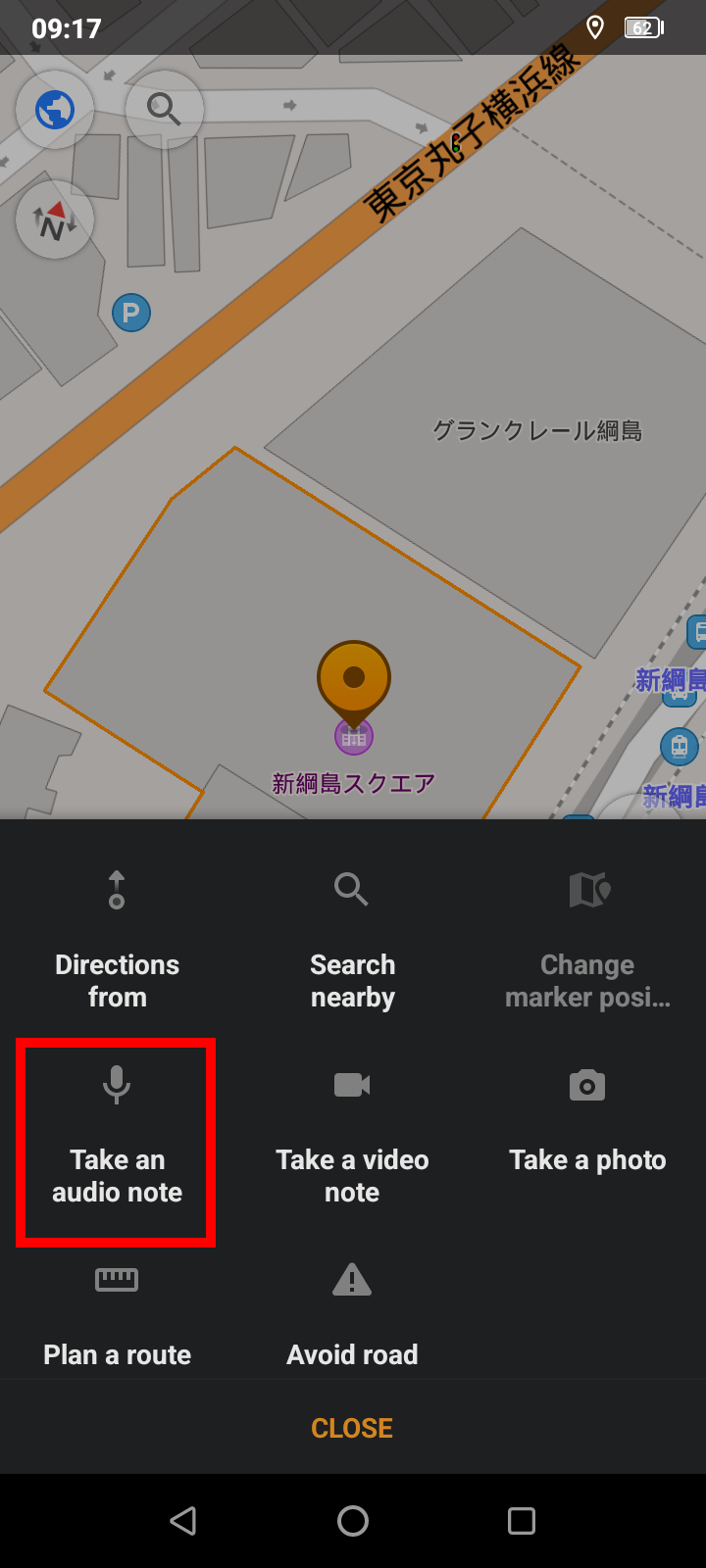
All recorded audio notes are saved in the My Places
Preview
mail@otomono.org